
The Heart of Connectivity: Understanding the Myrmex Agent and Collector Mode

Many users, when starting their Myrmex journey, ask: "Why do I need to install an agent if the platform is SaaS?"
The short answer is: Access. The long (and more fascinating) answer is about Secure Distributed Architecture.
Today, we'll demystify the role of the Myrmex Agent and explain why it is crucial for adding any integration, from a simple firewall to a complex cluster.
What is "Collector Mode"?
Imagine Myrmex Cloud as the brain of the operation. It processes, analyzes, and instructs. But a brain needs hands to interact with the physical world (or, in this case, your local infrastructure).
The Agent in Collector Mode is that hand.
Multi-Platform and Simplified Installation
We know that corporate environments are hybrid. That's why the Myrmex Agent was designed to run wherever you need it.
At the moment of download, our platform detects and offers the ideal installer for your operating system:
- Windows: We provide a robust .msi installer, ideal for manual deployments or via GPO in Microsoft environments.
- Linux and macOS: For Unix-based systems, we simplify everything with a smart script. Just copy and paste the command into your terminal; our script automatically identifies the system distribution and version (be it Ubuntu, CentOS, Debian, or macOS) and performs the correct installation headache-free.

How the Magic Works
When you define a device as a "Collector", you are transforming that software into a secure bridge.
Unlike legacy systems that required you to open ports on your firewall to the internet ("Port Forwarding"), Myrmex uses an Outbound-Only approach.
- The Agent initiates the connection to the Myrmex cloud.
- It maintains a secure, encrypted tunnel.
- When you request an action on the platform, the cloud sends the command through this tunnel.
- The Agent executes the action locally on the integration (e.g., connecting to AD) and returns the result.
- This means the origin of the connection is always your secure network.
No Agent, No Integration
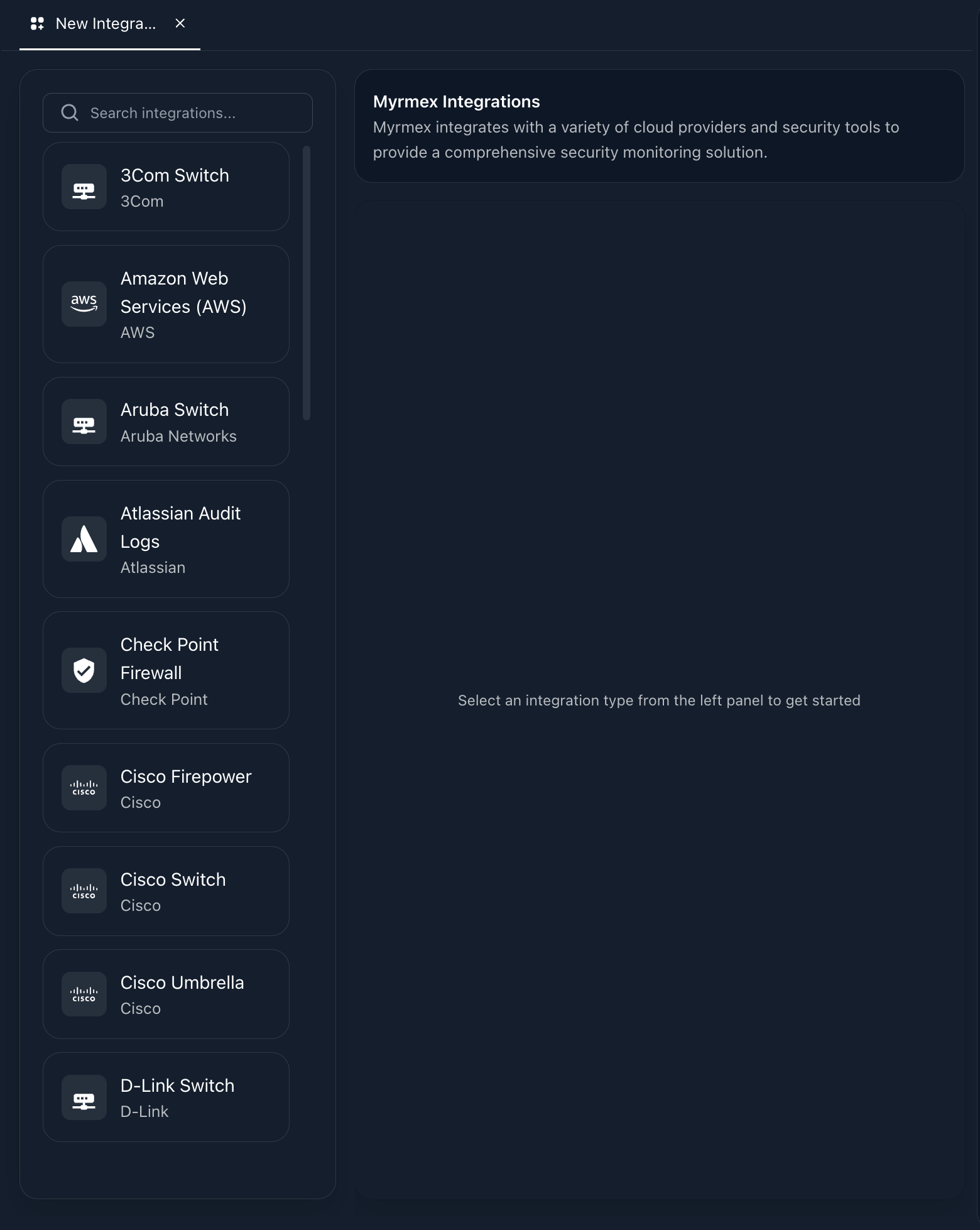
This is why, during the registration of a new integration, the system requires you to select a collector.
If you try to add an integration without having an online agent configured as a collector, the process cannot be finalized. The platform simply would have no way to "talk" to the target technology.
The Pulse of Life (Heartbeat)
To ensure reliability, Myrmex performs a constant heartbeat. Periodically, we ask the collector: "Can you still talk to that firewall?".
If the answer is no, or if the collector doesn't respond, we update the integration status on the platform instantly. This ensures you are never operating "in the dark", believing a connection exists when it has already dropped.
The Myrmex Agent is not just software to install. It is the guarantor of your sovereignty and security. Install it, activate collector mode, and see your integrations come to life.
Download the agent now from the "Workspace" menu.