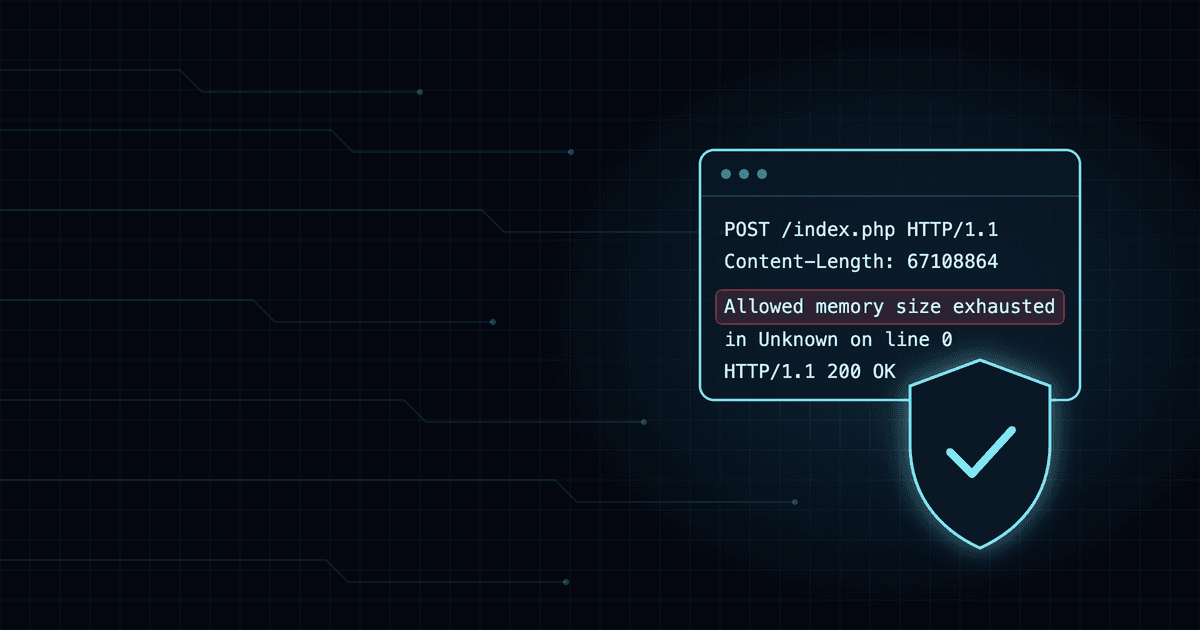

Step-by-Step Guide: Deployment, Hardening, and Security Validation in Wazuh
Learn how to replicate a secure deployment of the Wazuh stack. This guide details all the prompts used to audit, fortify, and validate security rules in real-time.

MYRMEX brings humans and Artificial Intelligence together to orchestrate your technology stack with specialist-level precision.


Learn how to replicate a secure deployment of the Wazuh stack. This guide details all the prompts used to audit, fortify, and validate security rules in real-time.

See how Myrmex audited high-impact administrative actions in Office 365, identifying password resets, group changes, and policy updates.

See how Myrmex analyzed Office 365 security events, identified failed logins on disabled accounts, and suggested immediate remediations.

See how Myrmex audited Office 365 security posture, identifying admins without MFA and validating guest permissions in SharePoint.

See how Myrmex fetched a complete UniFi site inventory, mapping connected clients and identifying WAN link health issues without logging into the controller.

See how Myrmex performed a full asset inventory of a UniFi site, listing 94 Access Points and identifying gateway firmware updates in seconds.

See how Myrmex performed a non-intrusive network audit on Windows, mapping ARP tables, testing gateway latency, and tracing business app routes.

See how Myrmex analyzed a Windows 11 system, identifying top resource-consuming processes, stopped critical services, and event log errors.

See how Myrmex audited a Windows 11 endpoint, verifying Defender status, BitLocker encryption, and identifying local admins without installing any agents.

See how Myrmex performed a complete security audit on an Ubuntu server, identifying critical flaws based on the CIS Benchmark and generating fix commands.

See how Myrmex performed a complete security audit on a FortiGate, identifying critical flaws like enabled Telnet and outdated signatures.

See how Myrmex analyzed Ubuntu server resources and orchestrated firewall VMs on KVM, starting Sophos and identifying available VMs.

See how Myrmex configured a firewall policy with Web Filter, App Control, and DNS Filter on FortiGate, following security best practices.

See how Myrmex performed a complete forensic investigation on a suspicious Ubuntu server, analyzing processes, connections, users, and modified files.

See how Myrmex configured full SD-WAN on FortiGate with Performance SLA, critical traffic prioritization, and MSS Clamping for maximum performance.

See how Myrmex performed a complete security audit on a MikroTik router, identifying critical flaws and generating fix commands based on the CIS Benchmark.

See how Myrmex configured a high-performance WiFi network with Layer 3 segmentation, dedicated DHCP, and Firewall policies on a MikroTik hAP ax3.

See how Myrmex automatically configured a MikroTik router to use two internet links simultaneously, doubling speed and ensuring redundancy.

The successful path of AINEXT and Google for MYRMEX innovation.

Red, Green, or White? Understand the visual connectivity language of your infrastructure.

Why downloading the agent is the first step to unlocking the power of integrations in Myrmex.

How we transformed static folders into intelligent context containers for your infrastructure.

How we transformed a simple key into the definitive bridge between your intention and Myrmex intelligence.

Modern technology promised speed and scale, but delivered friction. What if we could transcend complexity instead of trying to master it?